Pixel Art for AI
Create stunning pixel art with natural language. Piskel MCP Server enables AI assistants to design, animate, and export pixel art through the Model Context Protocol.
Powerful Features
Everything you need to create professional pixel art
Drawing Tools
Pixels, lines, rectangles, circles, and flood fill. Complete set of drawing tools for any pixel art project.
Layer Management
Organize your artwork with multiple layers. Add, remove, and reorder layers for complex compositions.
Animation
Create frame-by-frame animations. Duplicate, add, and remove frames for smooth sprite animations.
Export Options
Export to PNG, GIF, and sprite sheets. Perfect for game development and web projects.
AI Integration
Powered by Model Context Protocol. Connect with AI assistants to create art using natural language.
Developer Friendly
Simple REST API via MCP. Easy to integrate into your workflow or extend for custom needs.
Example Creations
All pixel art below was generated by AI using Piskel MCP Server
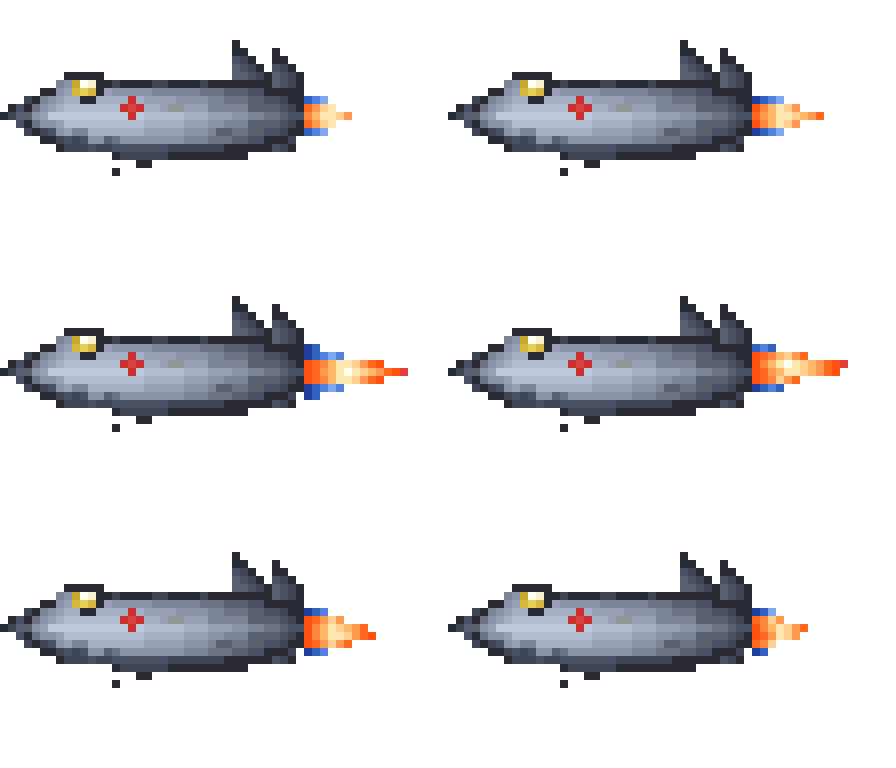
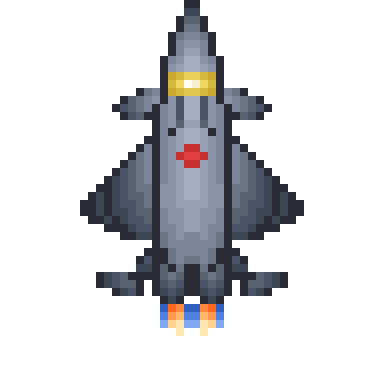
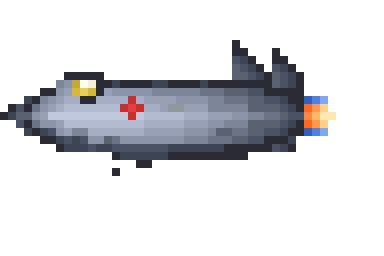
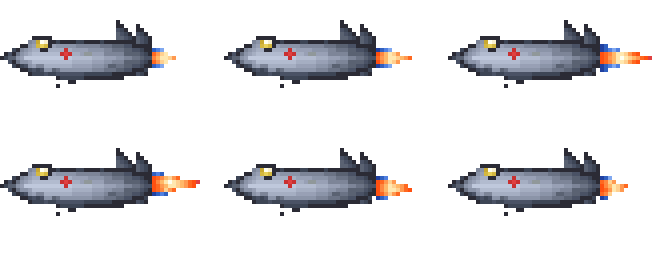
J-20 Mighty Dragon stealth fighter — top view, side view, and 6-frame afterburner animation with dynamic flame effects. Every pixel was created by AI through natural language commands.
More Examples
Game sprites and effects also generated by AI


Sprite Details





Quick Start
Get up and running in minutes
Install
git clone https://github.com/yafeiaa/piskel-mcp-server.git
cd piskel-mcp-server
npm install
npm run build
Connect to Agent
Add the following config to your Agent settings:
{
  "mcpServers": {
    "piskel": {
      "command": "node",
      "args": ["/path/to/piskel-mcp-server/dist/index.js"]
    }
  }
}
Replace /path/to/piskel-mcp-server/ with your actual clone path.
Start Creating!
Once connected, create pixel art with natural language:
Available Tools
Complete MCP toolset for pixel art manipulation
Project
create_projectlist_projectsget_project_infodelete_project
Drawing
draw_pixeldraw_pixelsdraw_linedraw_rectangledraw_circlefill_areaerase_pixelclear_frame
Frames & Layers
add_frameremove_frameduplicate_framemove_frameswap_framesadd_layerremove_layerrename_layermerge_layersset_layer_opacityset_layer_visibility
Color
get_pixelget_frame_dataget_used_colorsreplace_colorswap_colors
Transform
flip_horizontalflip_verticalrotateshift_frameresize_canvascopy_region
Palette
create_paletteget_palettelist_palettesadd_palette_colorremove_palette_color
Animation
set_fps
Export
export_pngexport_gifexport_sprite_sheet